


Plugin Details
Home / Plug-in market / Social Sharing


Social Sharing
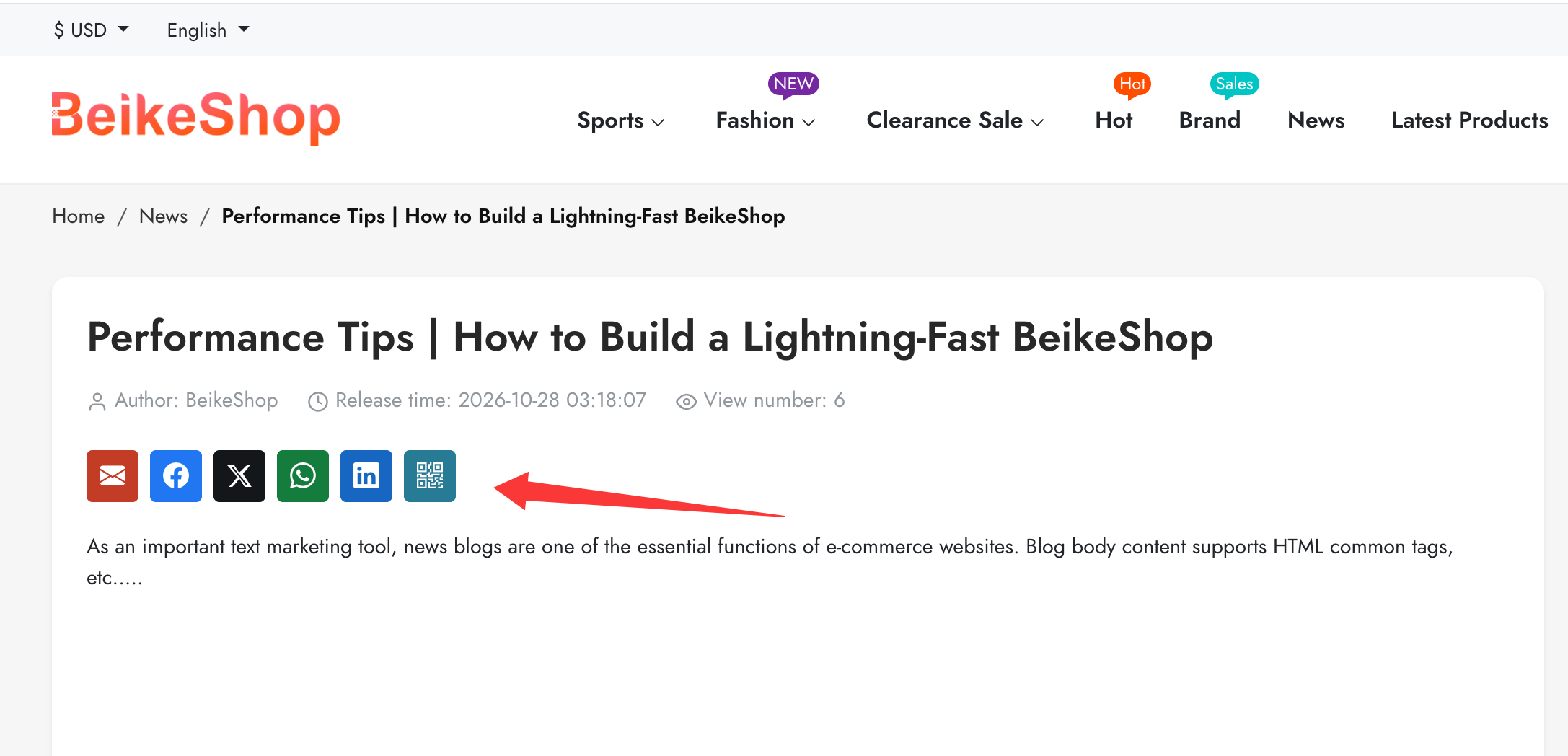
Share products and articles via email, Facebook, X, WhatsApp, LinkedIn and QR codes.
View more
0 Downloads
16 Views
2026-10-29 Last Update
$4.26
$7.21
One-time purchase for lifetime use, with 1 months of technical support included

Plugin Purchase Process
1
Access your BeikeShop admin dashboard
2
Click on "Plugin Marketing" in the top right corner
3
Select the desired plugin for purchase
4
Click on Purchase
Plugin Description
Social Sharing Plugin
Add social sharing buttons to your BeikeShop product and article pages, making it easy for visitors to share your products and content with others.
Supported Sharing Options
- Email: Share the title and link by email.
- Facebook: Share product or article links on Facebook.
- X (Twitter): Share the title and link on X.
- WhatsApp: Send sharing content through WhatsApp.
- LinkedIn: Share links on LinkedIn.
- QR Code: Generate a QR code for the product or article, allowing visitors to scan and open it on their phones.
Key Features
- Product and Article Sharing: Display sharing buttons below the favorites button on product pages and below the title and author information, above the body, on article pages.
- Flexible Controls: Enable or disable product sharing, article sharing, and individual sharing options from the admin panel.
- Responsive Layout: Designed for desktop and mobile browsing.
- Locally Generated QR Codes: No third-party QR code service required.
- No API Keys Required: No social platform application setup or API credentials needed.
- Plugin-Based Integration: Uses existing BeikeShop hooks without modifying core system code.
- Chinese and English Support: Includes interface translations in both languages.
Getting Started
Install and enable the plugin under Plugins in your BeikeShop admin panel, then select the pages and sharing options you want to display. No database migrations or additional dependencies are required.
Shared links use the detail page URL without query parameters. Social previews use the page's existing Open Graph metadata; the final appearance is determined by each platform.
