


Plugin Details
Home / Plug-in market / Hide Selected Front Languages & Currencies


Hide Selected Front Languages & Currencies

 ** Hide Selected Front Languages & Currencies** Close the front desk
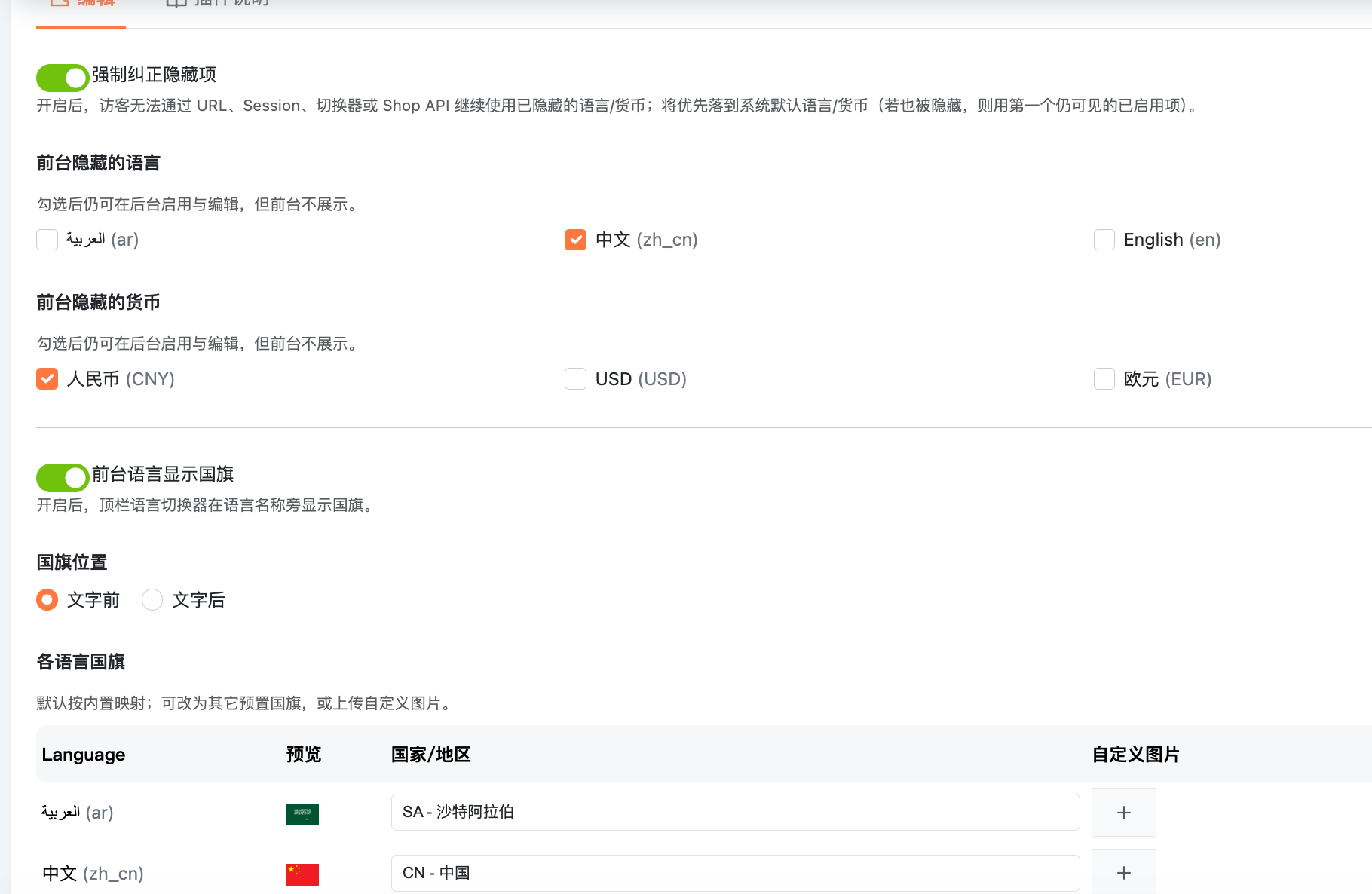
The back-end will continue to enable Chinese, RMB, etc. for convenient operation and comparison. The front desk and Shop API can hide the specified language and currency. At the same time, the function of configurable front-end multi-language display of national flag ICONS has been added. The plugin comes with a complete set of national flag ICONS pre-installed, all of which have been compressed. You can also upload the national flag ICONS of the set language by yourself
"Install.
Upload and install the plugin (or into the plugins/FrontHideLocaleCurrency) Enable it in the "Function" class plugin Enter the plugin Settings and check the language/currency you want to hide in the foreground ** Configuration Instructions **
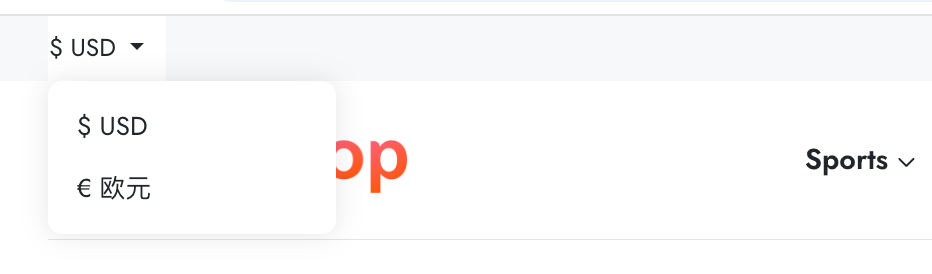
Hidden language/currency on the front desk: Only affects front desk display and (optional) access correction; The background list remains unchanged. Forced correction: After enabling, the URL prefix, Session, toggle route, and hidden items in the Shop API will be corrected. Prioritize the use of the system's default language/currency (base.locale/base.currency, which can be rewritten by other plugins). If the default is also hidden, take the first still visible enabled item By default, zh_cn and CNY are pre-selected (if enabled in the background). Do not provide a separate "catch-all language/currency" configuration to avoid conflicts with the store's default or other plugins.
"Theme compatibility.
The default theme renders the switcher through the header.top.language/header.top.currency hook, and this plugin will replace these two outputs.
If the custom theme draws the switcher by itself and does not use the above hook, it is necessary to use the filtered language list ($languages in the View) or interface with the logic of this plugin.
English
Hide selected admin-enabled languages and currencies from the storefront and Shop API, while keeping them available in admin. Optional force-correct uses the store default language/currency (not a separate plugin setting). Default theme hooks: header.top.language, header.top.currency.
