Plugin Details
Home / Plug-in market / Friend Links


Friend Links
Manage friend links from the admin Features menu (create, edit, delete, sort, enable/disable) and render the active links with a theme-friendly style just above the storefront footer-bottom.
View more
0 Downloads
14 Views
2026-10-28 Last Update
$2.94
$3.82
One-time purchase for lifetime use, with 1 months of technical support included

Plugin Purchase Process
1
Access your BeikeShop admin dashboard
2
Click on "Plugin Marketing" in the top right corner
3
Select the desired plugin for purchase
4
Click on Purchase
Plugin Description
Friendship Links (BkFriendLinks)
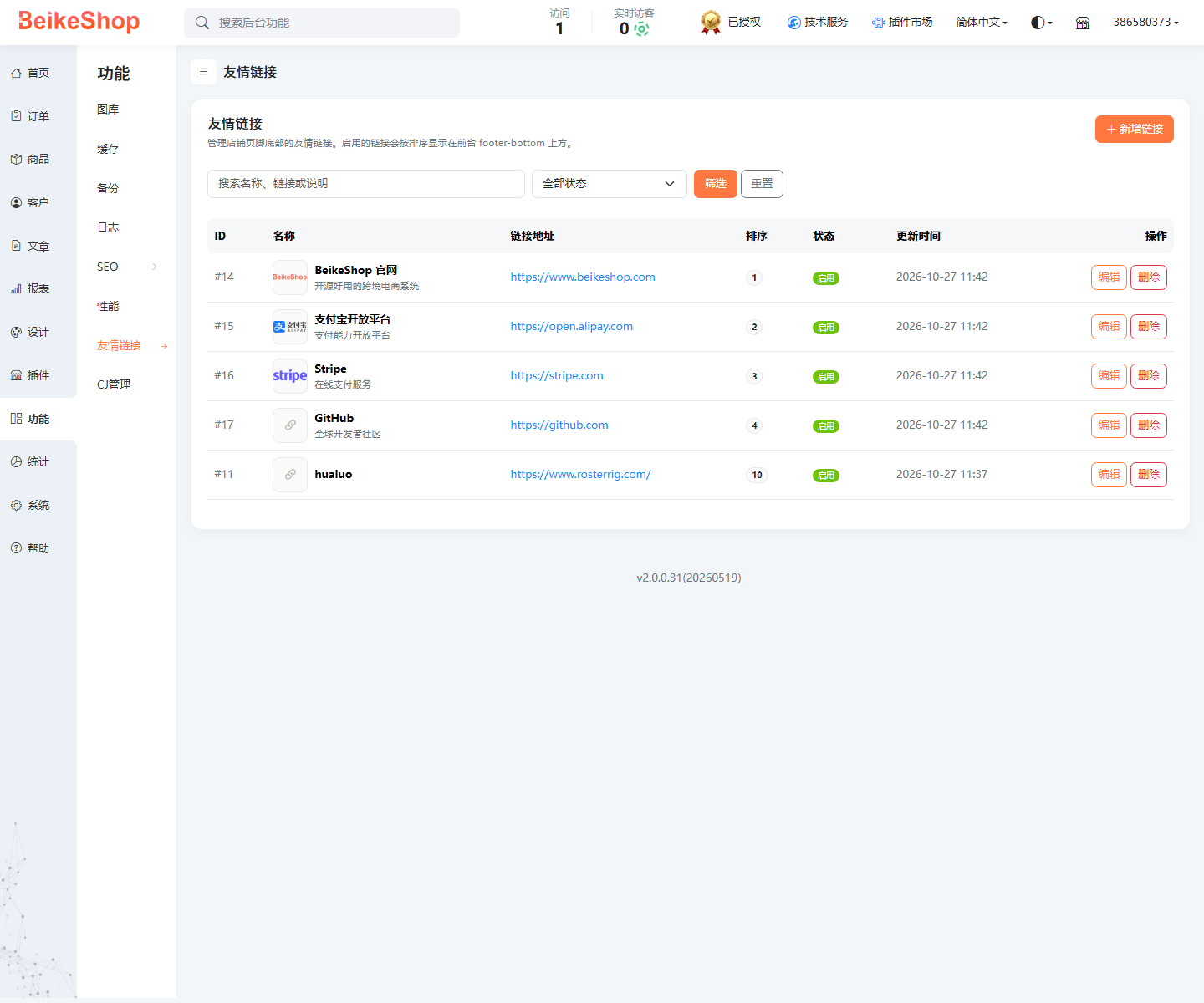
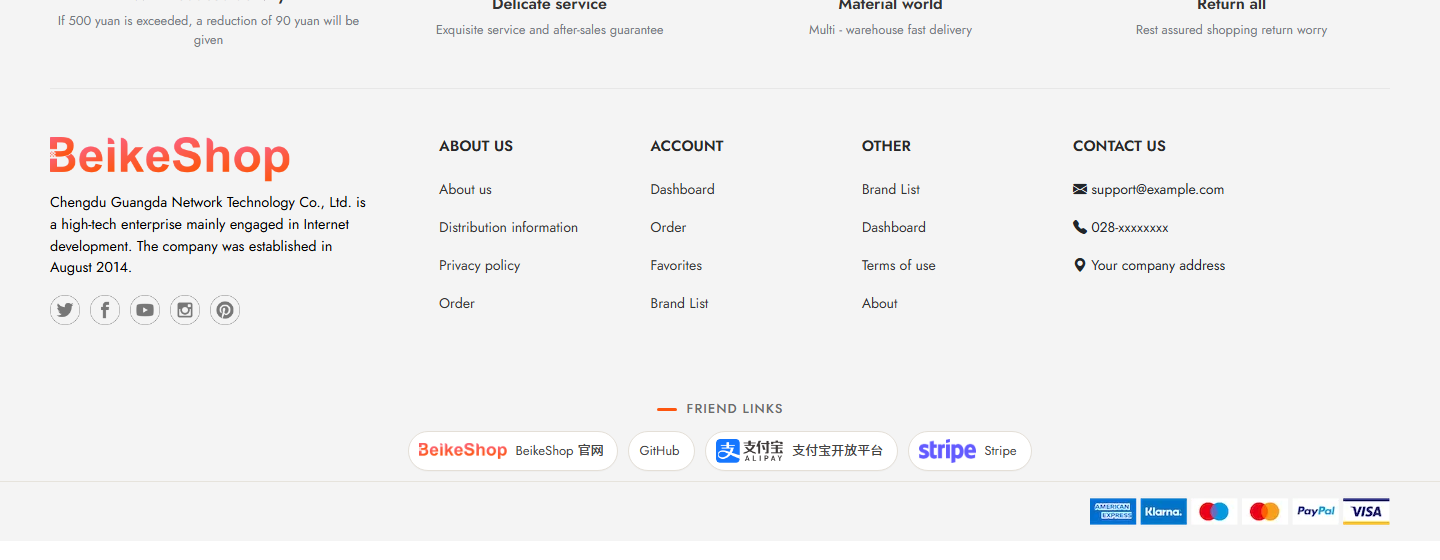
In the background, ** Function → Friendship Links ** manage links. Once enabled, they will be automatically displayed above the 'footer-bottom' in the store's front page footer.
"Demonstration
Back-end management
! 1.png
Front desk effect
! 2.png
"## Function
- Add, edit, delete, enable/disable, sort, search, pagination Each link supports: name, URL, Logo, description, and opening method The front desk only displays enabled links in ascending order of sort. The entire paragraph is automatically hidden when links are not enabled
- Responsive capsule style, supporting Logo and hover prompts
- Role Permissions: View/Add/Edit/Delete All core and theme files will be connected through hooks without modification